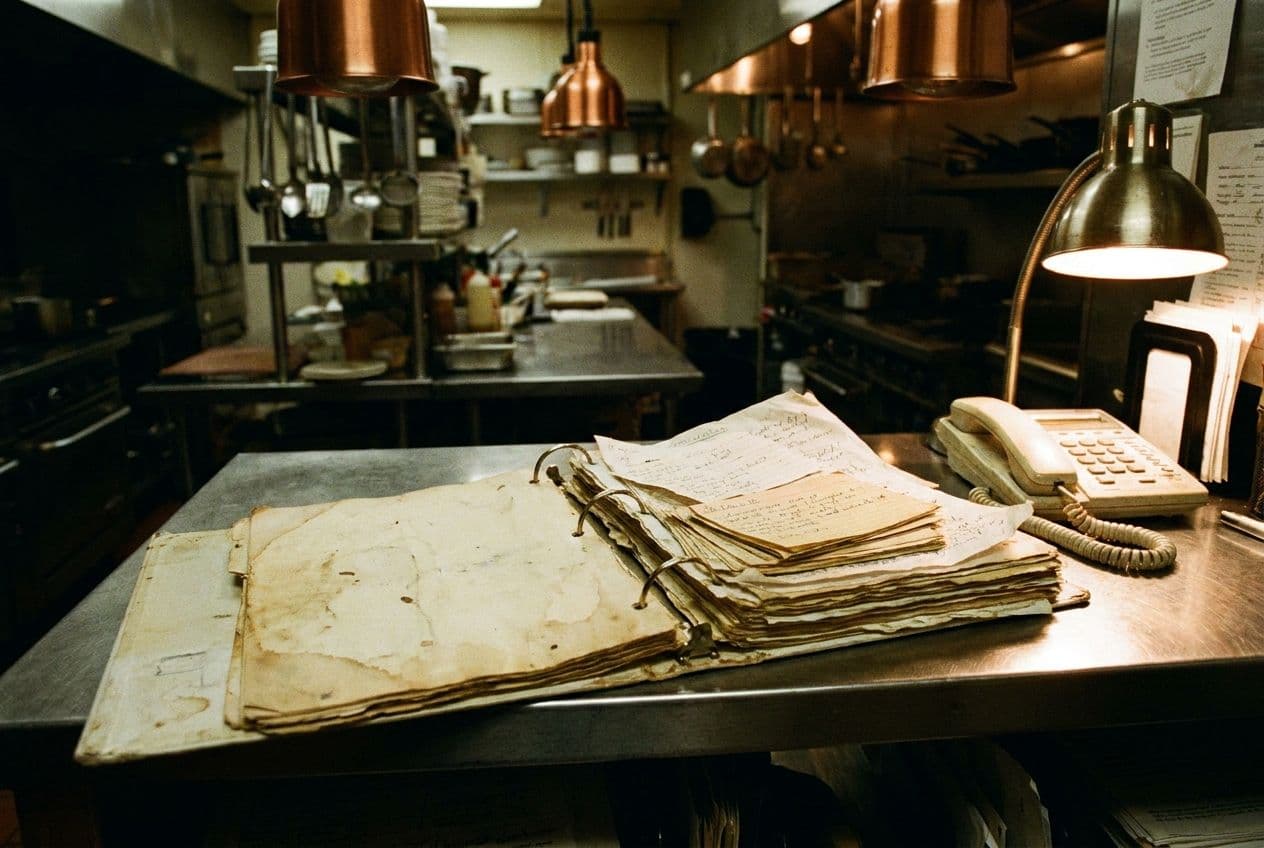
Years of recipes in a binder. Bring them with you.
Snap a photo of a recipe card, or drop in a PDF or a spreadsheet. Tullia reads it and builds the recipe, with the FDA Big 9 allergens for every ingredient. You check it like any other, then save.
You already wrote them down once. Don’t type them up again.
Most kitchens have recipes somewhere: a binder in the office, a folder of PDFs, a spreadsheet from the last chef, photos on someone’s phone. None of it tells a server what’s in the dish.
Starting over in new software usually means typing every recipe again. With Tullia you bring the file, and it does the typing.
What you can bring. Into the conversation, like a message.
Drop the file into the conversation on a new recipe, or on one you’re already working on. You can keep talking or typing around it, like “this one makes two quarts”.
- A photoJPEG, PNG, HEIC, WebPA recipe card, a page of a notebook, a printout taped to the wall.
- A PDFPDFA recipe document, a spec sheet, a page from your recipe binder.
- A spreadsheetXLSX, CSVThe recipe sheet you keep for prep, with amounts and units in columns.
From a file to a saved recipe. Three steps, and you stay in charge.
Step 1: Drop it in
Open a new recipe and drop in the photo, PDF or spreadsheet. It says so on the screen: “Talk through a recipe, or drop a file here.”
Step 2: Tullia builds it
Ingredients with amounts, steps and yield land on the recipe, each ingredient with its Big 9. Anything it can’t tell, it asks you.
Step 3: You check it and save
One sheet shows the dish, its allergens and every ingredient. Fix anything with a tap, then save it for your team.
Same recipe, three ways in. Pick one and see what Tullia builds.
Photos (JPEG, PNG, HEIC, WebP), PDFs, and spreadsheets (Excel or CSV).
Where to start. A plan for your first week.
- Start with what you make in house. Sauces, dressings and doughs sit inside many dishes, so they carry the most allergens. Tullia keeps each one as a batch: its own recipe, used inside your dishes.
- Then your best sellers. The dishes servers are asked about most.
- Fix as you go. Tap any line to change it, or say what to change. When Tullia can’t tell what a house blend contains, it asks.
What you get today.
- Photos
- JPEG, PNG, HEIC and WebP. A recipe card, a notebook page, a printout.
- PDFs and spreadsheets
- PDF, XLSX and CSV files of a recipe.
- Allergens included
- Every ingredient it builds carries Contains or Free from for each of the Big 9.
- Checked by you
- Nothing is saved until you check it on one sheet and tap Save.
Bring your binder.
Tell us about your kitchen and the recipes you have. We’ll show you Tullia.